
















s&box

Facepunch's Source 2 game engine and creation platform — the spiritual successor to Garry's Mod.
Made in s&box
Browse all games →Explore the wiki
Overview
What s&box is — the engine, the tech, and the Garry's Mod lineage
Getting Started
Install s&box, play community games, and the basics
Creating Games
Build games in C# with the scene system and instant hotload
Engine & Tools
Source 2, ActionGraph, ShaderGraph, the map editor, and terrain
Documentation
The complete official developer docs — scene, rendering, networking, and the editor
Community Games
The kinds of games people make and the in-game browser
Resources
Official site, developer wiki, GitHub, and Steam
The creation tools
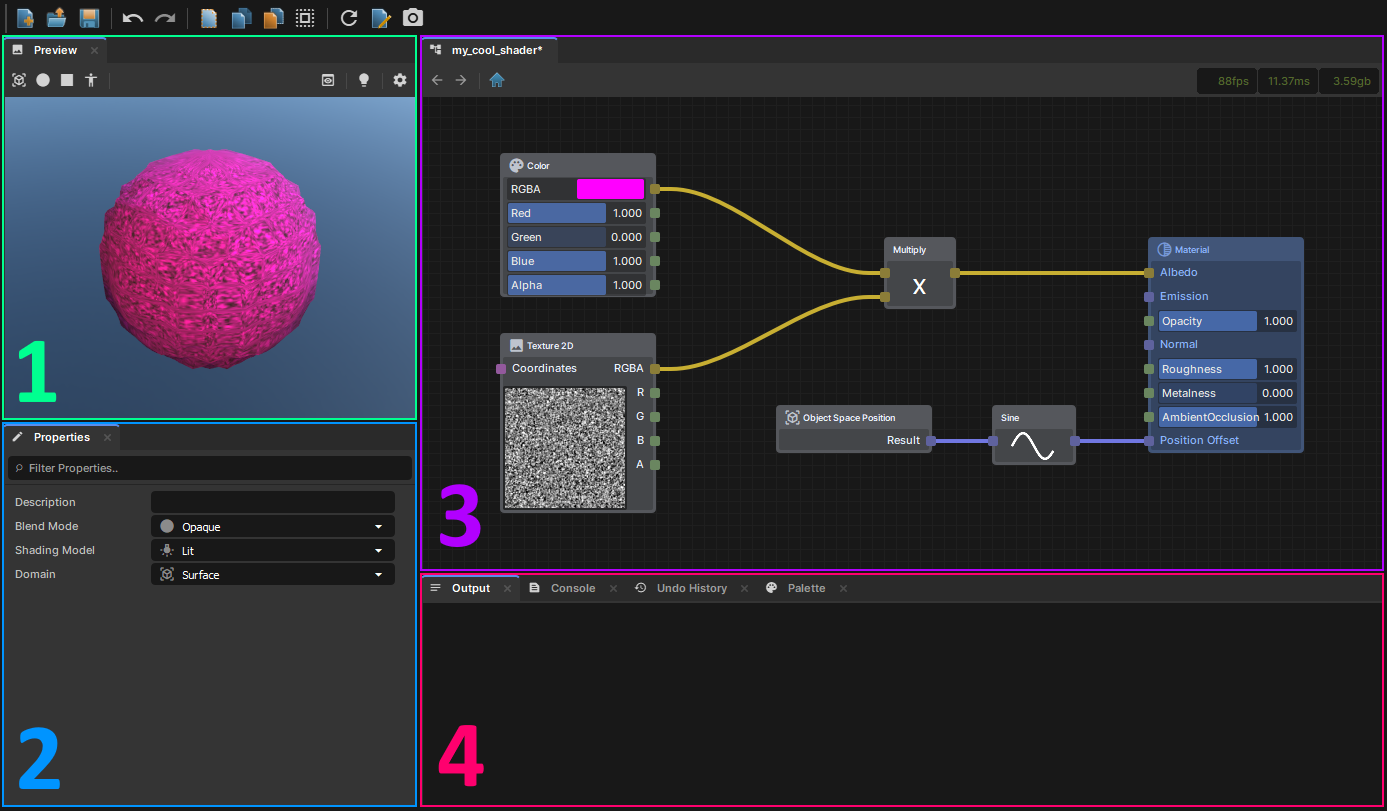
ShaderGraph
Author shaders visually — a node graph that compiles to real shader code, with a live 3D preview.

ActionGraph
Visual scripting for game logic — wire up behaviour without writing C#, or drop into code anytime.
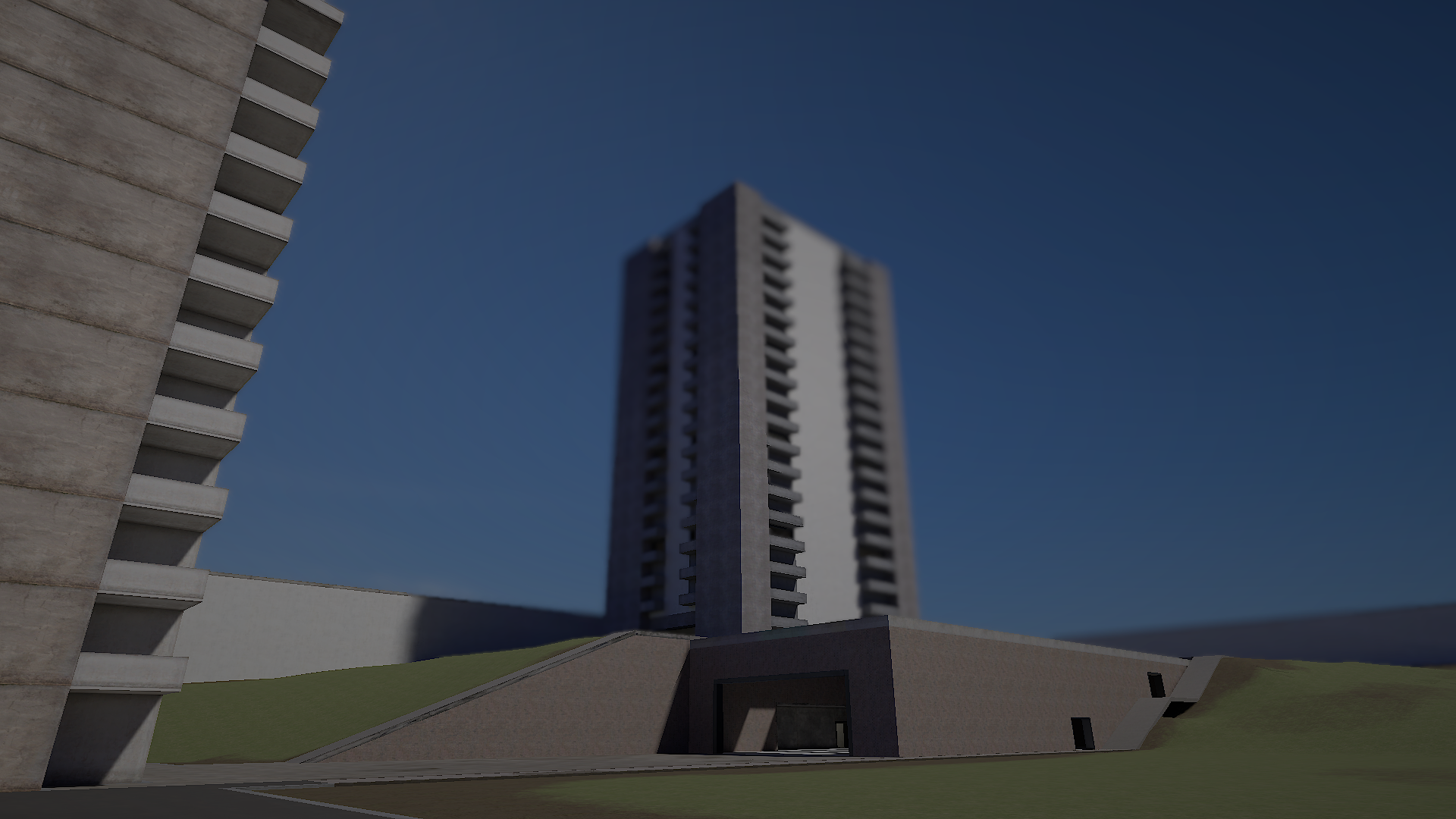
Source 2 rendering
A modern PBR renderer with post-processing, tonemapping, and physically-based materials out of the box.
Editor screenshots from the official s&box docs (CC-BY-4.0).
What makes s&box different
Hotload
C# code changes take effect instantly — no recompiling or restarting the game.
Scene system
A GameObject/component scene model, familiar if you've used Unity or Godot.
ActionGraph
Visual scripting for logic without writing code.
ShaderGraph
Node-based shader authoring.
Map editor (Hammer)
Source 2's Hammer editor for building maps, plus a terrain system for open worlds.
Cloud assets
Drag-and-drop assets from the cloud — no manual downloading or subscribing.
A full feature reference lives in the developer wiki.
Official resources
Community wiki — not affiliated with Facepunch Studios. For the latest and most authoritative information, see the official developer wiki.