


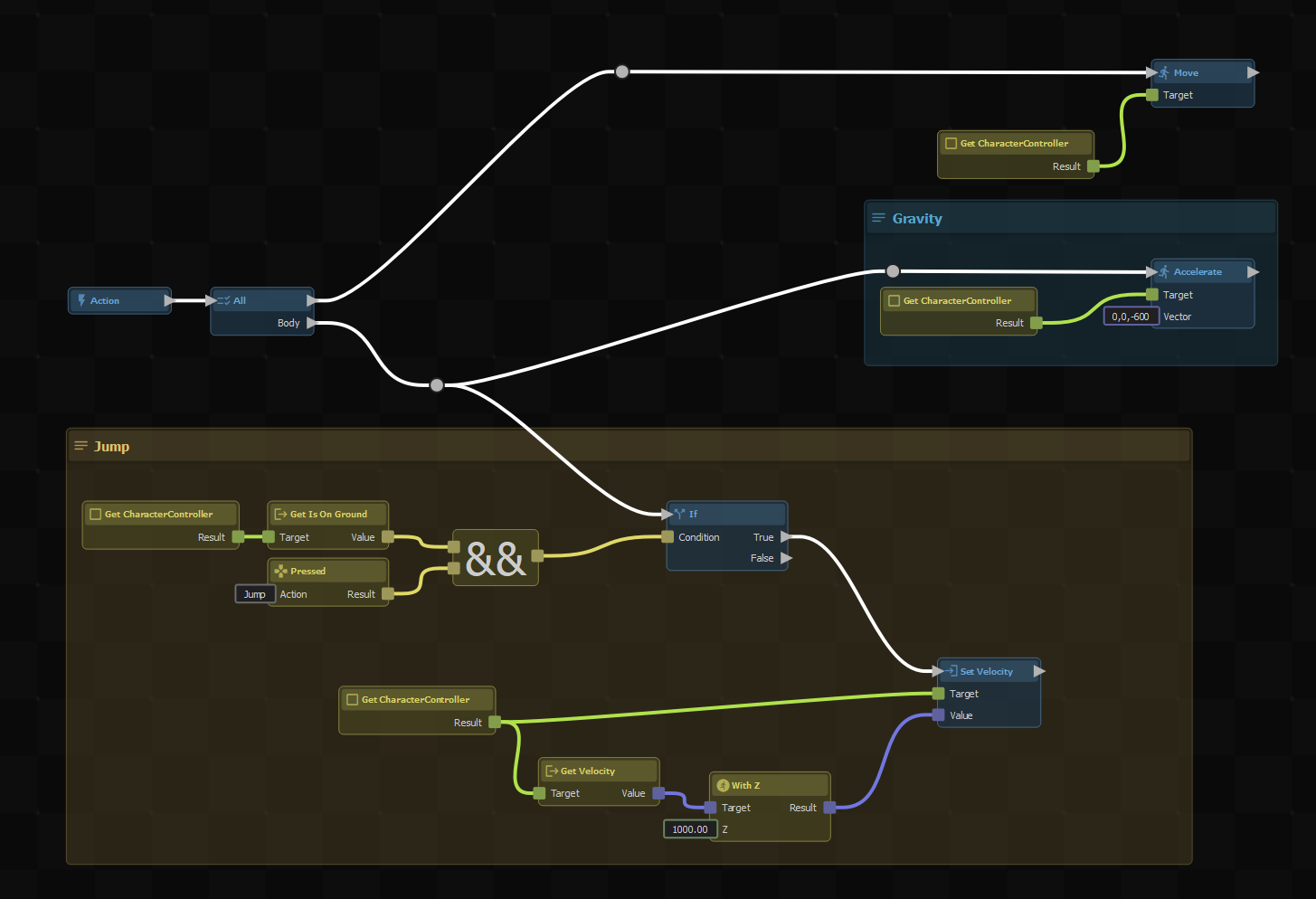
ActionGraph is a visual scripting system that lets you create game logic using nodes instead of code. Connect nodes together to build behaviors, respond to events, and control your scene, all from a graphical editor.
What Can You Do?
- Script without code - build gameplay logic, UI interactions, and event handling visually
- React to events - trigger graphs from collisions, input, timers, or custom C# delegates
- Control flow - use loops, branches, and delays to create complex behaviors
- Mix with C# - call ActionGraphs from code or expose C# methods as custom nodes
- Reuse logic - save graphs as action resources and share them across your project
How It Works
Every ActionGraph starts with a root node that fires a signal when the graph runs. You connect action nodes (blue) to perform operations in sequence, and expression nodes (green) to compute values. Links between nodes carry signals or data.
Graphs can be attached to components via the Actions Invoker, wired up to built-in component events like trigger collisions, or invoked directly from C# using delegate properties.
Pages
- 🌱 Getting Started - learn the basics of nodes, links, and graph editing
- 🧩 Component Actions - add ActionGraphs to your scene with built-in components
- 💾 Variables - store and reuse values in your graphs
- 🛠️ Using With C# - invoke graphs from code and pass parameters
- 📖 Examples - copy-paste examples for common patterns
- 🆕 Custom Nodes - create your own node types