s&box
RustCounter-Strike 2s&boxDeadlock
Wiki
Get s&box on Steam
Browse
OverviewGetting StartedCreating GamesEngine & ToolsDocumentationCommunity GamesResources
s&boxDocumentationActiongraphComponent Actions
SOURCE 2 · C#
Build and play games with s&box.

Facepunch's game engine and creation platform — make games in C#, or jump straight into community games.

Get s&box on Steam

s&box Wiki

  • Overview
  • Getting Started
  • Creating Games
  • Engine & Tools
  • Documentation
  • Community Games
  • Resources

Tools & Community

  • Getting Started
  • Creating Games
  • Engine & Tools
  • Resources

Platforms

  • RustBattle
  • CSBattle
  • Rust Game Wiki
  • CS2 Skins Wiki
  • Deadlock Wiki

About

  • Official Site
  • Developer Wiki
  • GitHub
  • Get on Steam
NOT AFFILIATED WITH FACEPUNCH STUDIOS · © 2026 s&box Wiki (community)
Docs/ActionGraph
ActionGraph

Component Actions

The easiest way to add an ActionGraph to your scene is through the Actions Invoker component. Just click Add Component on an object, then you can find it under Actions.
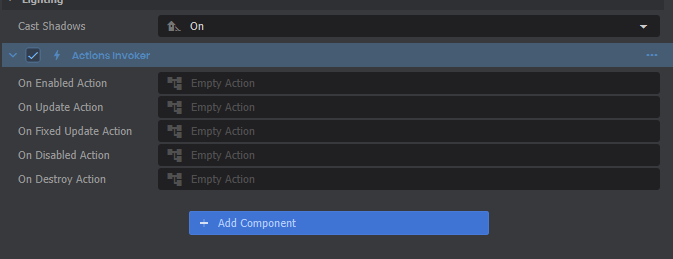
Available actions in an Actions Invoker component.You can also find action properties in a few other built-in components, like Colliders when Is Trigger is checked.
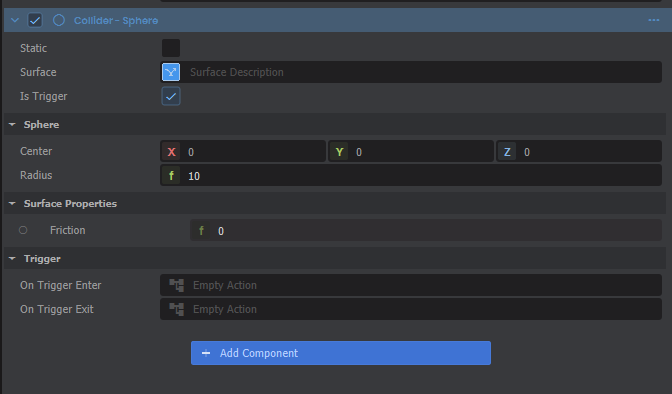
Trigger actions in a Collider.

Each of these start out with an "Empty Action". Simply click on any of those to create a new ActionGraph and start editing it!
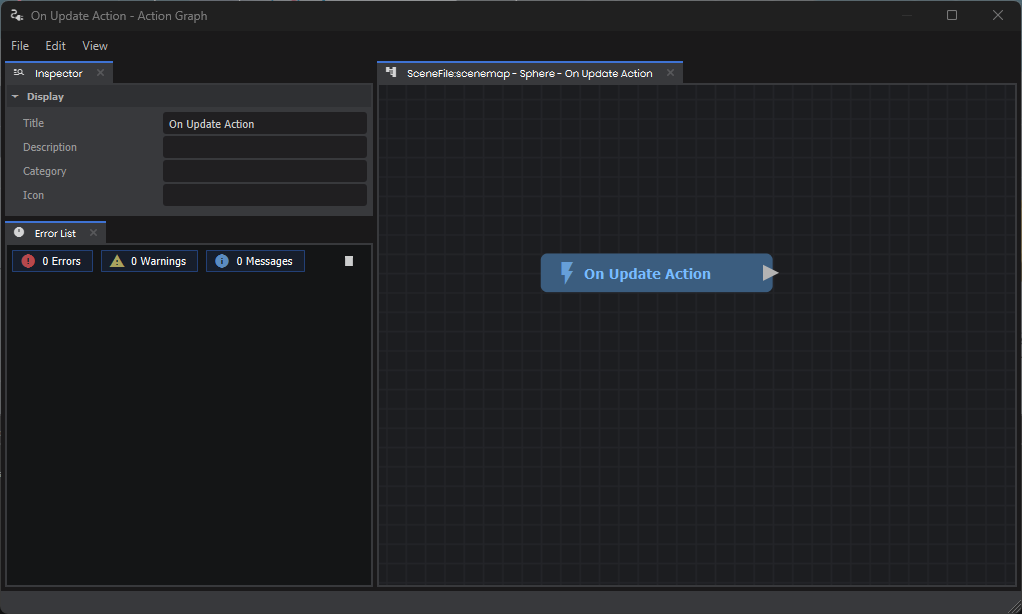
First thing you'll see when opening a new action graph.

Next Steps

Take a look at the Intro to ActionGraphs guide to learn how to edit your new graph.

Source: Facepunch/sbox-docs (CC-BY-4.0) · updated 2024-10-09. Read it rendered on the official docs.

More in ActionGraph

Action Resources
ActionGraph
C# Method Nodes
Custom Nodes
Examples
Getting Started
Using With C#
Variables
← All documentation

Community wiki — not affiliated with Facepunch Studios. For the latest and most authoritative information, see the official developer wiki.