s&box
RustCounter-Strike 2s&boxDeadlock
Wiki
Get s&box on Steam
Browse
OverviewGetting StartedCreating GamesEngine & ToolsDocumentationCommunity GamesResources
s&boxDocumentationRenderingShadersClassesSsao
SOURCE 2 · C#
Build and play games with s&box.

Facepunch's game engine and creation platform — make games in C#, or jump straight into community games.

Get s&box on Steam

s&box Wiki

  • Overview
  • Getting Started
  • Creating Games
  • Engine & Tools
  • Documentation
  • Community Games
  • Resources

Tools & Community

  • Getting Started
  • Creating Games
  • Engine & Tools
  • Resources

Platforms

  • RustBattle
  • CSBattle
  • Rust Game Wiki
  • CS2 Skins Wiki
  • Deadlock Wiki

About

  • Official Site
  • Developer Wiki
  • GitHub
  • Get on Steam
NOT AFFILIATED WITH FACEPUNCH STUDIOS · © 2026 s&box Wiki (community)
Docs/Rendering
Rendering

SSAO

If your custom shader implements custom lighting you can sample the screen space ambient occlusion value for your lighting calculations.

float ScreenSpaceAmbientOcclusion::Sample( float4 ScreenPosition )
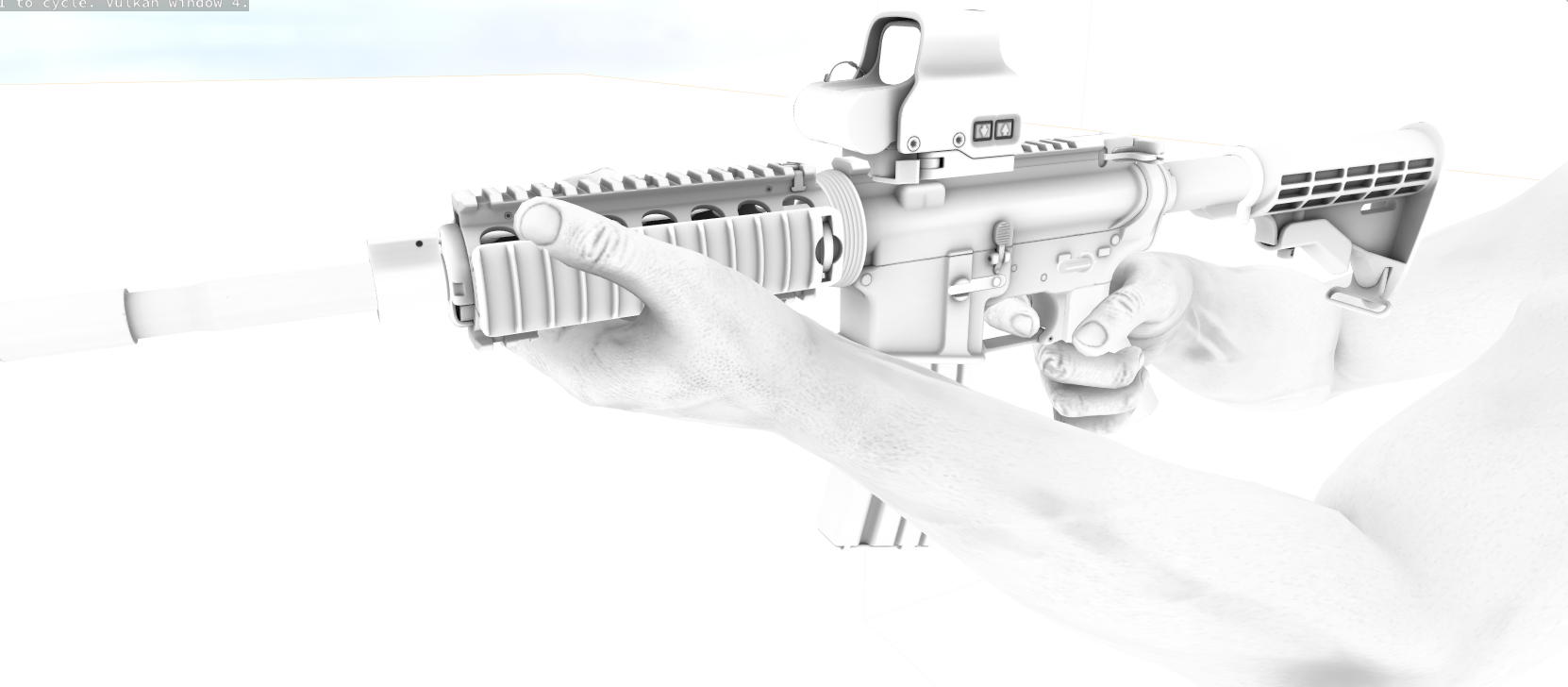
Custom Ambient Occlusion

You can implement your own ambient occlusion solution simply by providing the screen space ambient occlusion texture globally from your own component:

commands.SetGlobal( "ScreenSpaceAmbientOcclusionTexture", AOTextureCurrent.ColorIndex );

Source: Facepunch/sbox-docs (CC-BY-4.0) · updated 2024-12-10. Read it rendered on the official docs.

More in Rendering

AmbientLight
Animated Effects
Attributes and Variables
BeamEffect
Beams
Bindless API
C# Shader Nodes
Classes
← All documentation

Community wiki — not affiliated with Facepunch Studios. For the latest and most authoritative information, see the official developer wiki.