s&box
RustCounter-Strike 2s&boxDeadlock
Wiki
Get s&box on Steam
Browse
OverviewGetting StartedCreating GamesEngine & ToolsDocumentationCommunity GamesResources
s&boxDocumentationRenderingShader GraphVariables
SOURCE 2 · C#
Build and play games with s&box.

Facepunch's game engine and creation platform — make games in C#, or jump straight into community games.

Get s&box on Steam

s&box Wiki

  • Overview
  • Getting Started
  • Creating Games
  • Engine & Tools
  • Documentation
  • Community Games
  • Resources

Tools & Community

  • Getting Started
  • Creating Games
  • Engine & Tools
  • Resources

Platforms

  • RustBattle
  • CSBattle
  • Rust Game Wiki
  • CS2 Skins Wiki
  • Deadlock Wiki

About

  • Official Site
  • Developer Wiki
  • GitHub
  • Get on Steam
NOT AFFILIATED WITH FACEPUNCH STUDIOS · © 2026 s&box Wiki (community)
Docs/Rendering
Rendering

Variables

Variables are useful for making your Graph easier to follow and understand, while also giving the option to expose certain values to the Material Editor and Code.

Any Constant nodes created within a Shader will be compiled as constant values in shader code. These values cannot be changed
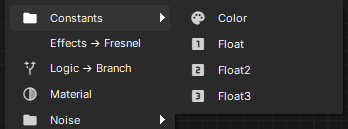
Any Constant nodes that are given a name are automatically exposed in the Material Editor. these values can be customized when creating a Material from the Shader.
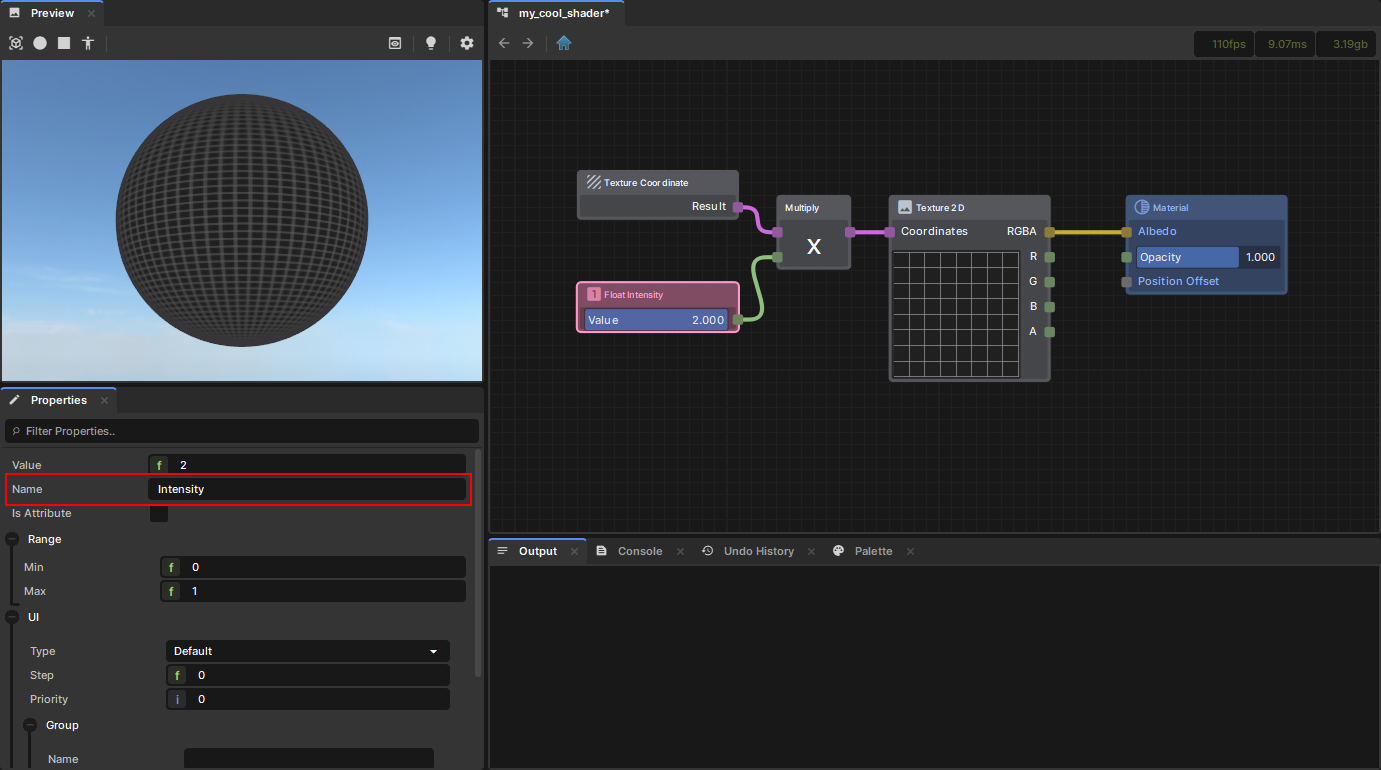

Giving a Float constant the name "Intensity"

How the Variable appears in the Material Editor

If a Constant has "Is Attribute" set to true, then the value will not be exposed in the Material Editor and will instead be accessible via RenderAttributes in code.

Source: Facepunch/sbox-docs (CC-BY-4.0) · updated 2025-08-20. Read it rendered on the official docs.

More in Rendering

AmbientLight
Animated Effects
Attributes and Variables
BeamEffect
Beams
Bindless API
C# Shader Nodes
Classes
← All documentation

Community wiki — not affiliated with Facepunch Studios. For the latest and most authoritative information, see the official developer wiki.