


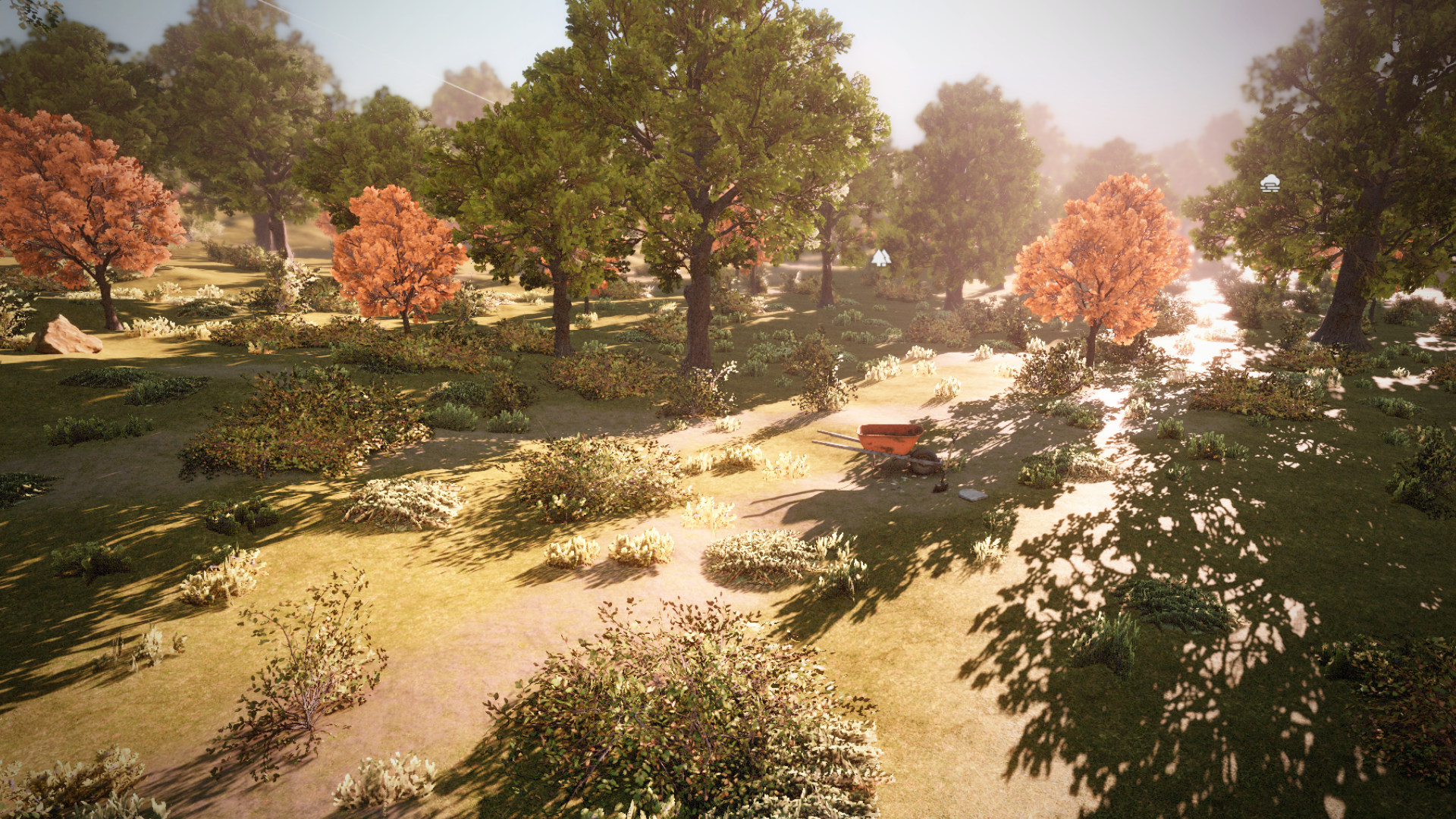
The Clutter System lets you quickly scatter large amounts of small objects like grass, rocks, and debris across your scene. It handles placement, streaming, and GPU-instanced rendering for models automatically.
A Clutter Definition is an asset that describes what to scatter and how. Create one from the Asset Browser via Create > Clutter Definition.
Entries
A list of models or prefabs to scatter. Each entry has a Weight value that controls how likely it is to be picked relative to other entries. Use models for simple static props like grass or rocks, and prefabs when you need components or behaviors.
Scatterer
Controls how entries are distributed across the surface.
| Scatterer | Description |
|---|---|
| Simple | Random placement with configurable density, scale range, ground alignment, and height offset. Good for most use cases. |
| Slope | Filters entries by surface angle. Map different entries to different slope ranges e.g. grass on flat ground, rocks on steep slopes. |
| Terrain Material | Places entries based on the terrain material at each point. Map specific entries to specific terrain layers. e.g. flowers on dirt, moss on rock. |
It is possible to extend and implement your own scatterer in case you need more scattering rules. e.g. using splines, volumes, or textures to drive the scattering
Streaming
Controls the tile grid used for generation and streaming:
- Tile Size: Size of each generation tile (256–4096 units). Larger tiles mean fewer generation jobs but coarser streaming granularity.
- Tile Radius: How many tiles around the camera to keep populated (1–10). Controls the visible range of clutter.
Clutter Component
Add a ClutterComponent to a GameObject in your scene and assign a Clutter Definition. It has two modes:
| Mode | Description |
|---|---|
| Infinite | Streams tiles around the camera automatically. Tiles are created and destroyed as the camera moves. Use this for open-world ground cover. |
| Volume | Generates clutter within a fixed bounding box. Click Generate to populate. Instances are saved with the scene. |
In Infinite mode, the system automatically regenerates tiles when the terrain is modified underneath them.
Clutter Tool
The Clutter Tool in the editor toolbar lets you paint and erase clutter instances by hand.
- Paint: Left-click to scatter instances at the brush location using the assigned scatterer.
- Erase: Ctrl+click to remove instances within the brush radius.
The brush has Size and Opacity settings. Opacity controls how many of the generated candidates are actually placed, letting you thin out placement for a more natural look.
Painted instances are stored separately from generated ones and persist with the scene.