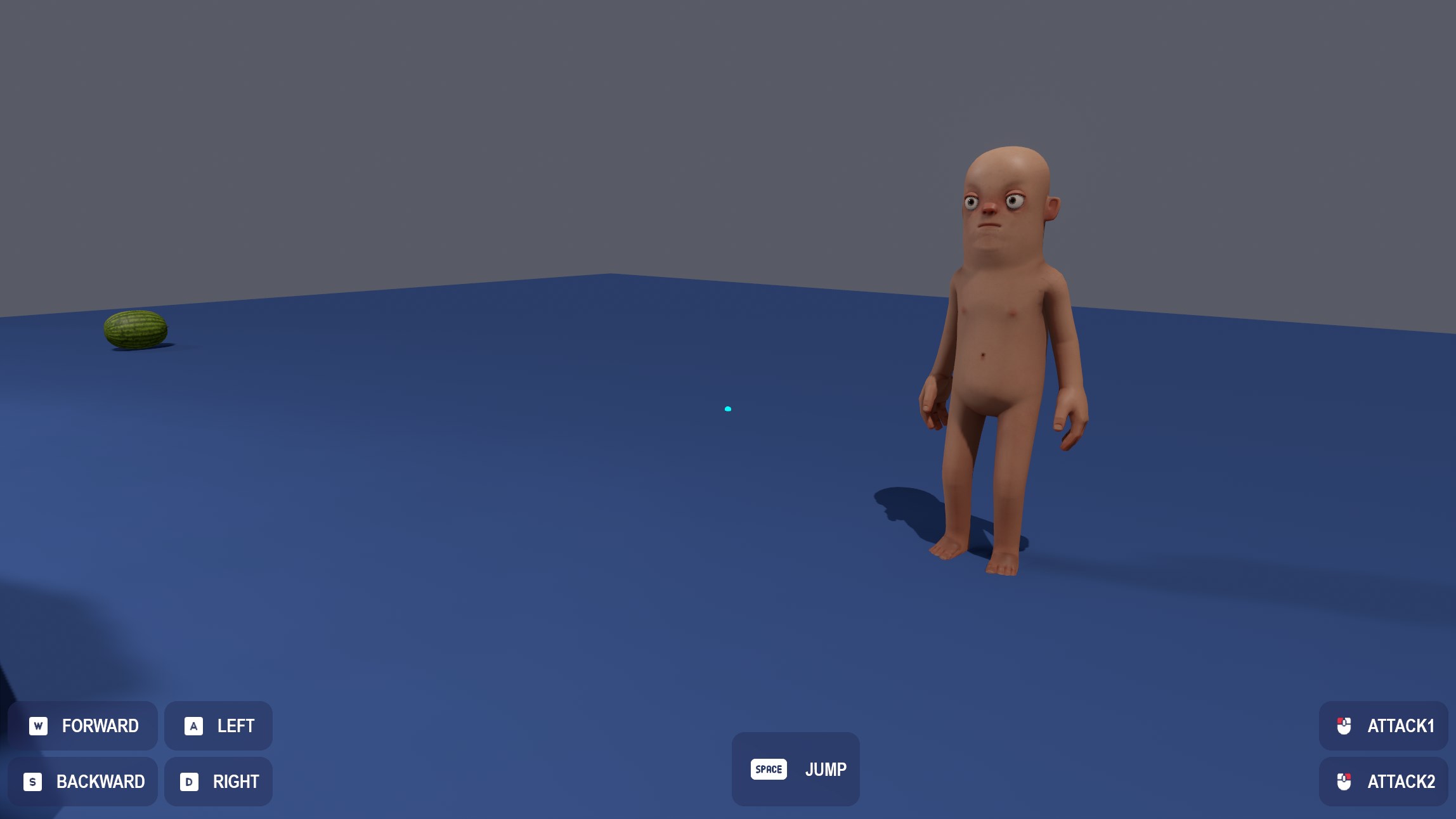
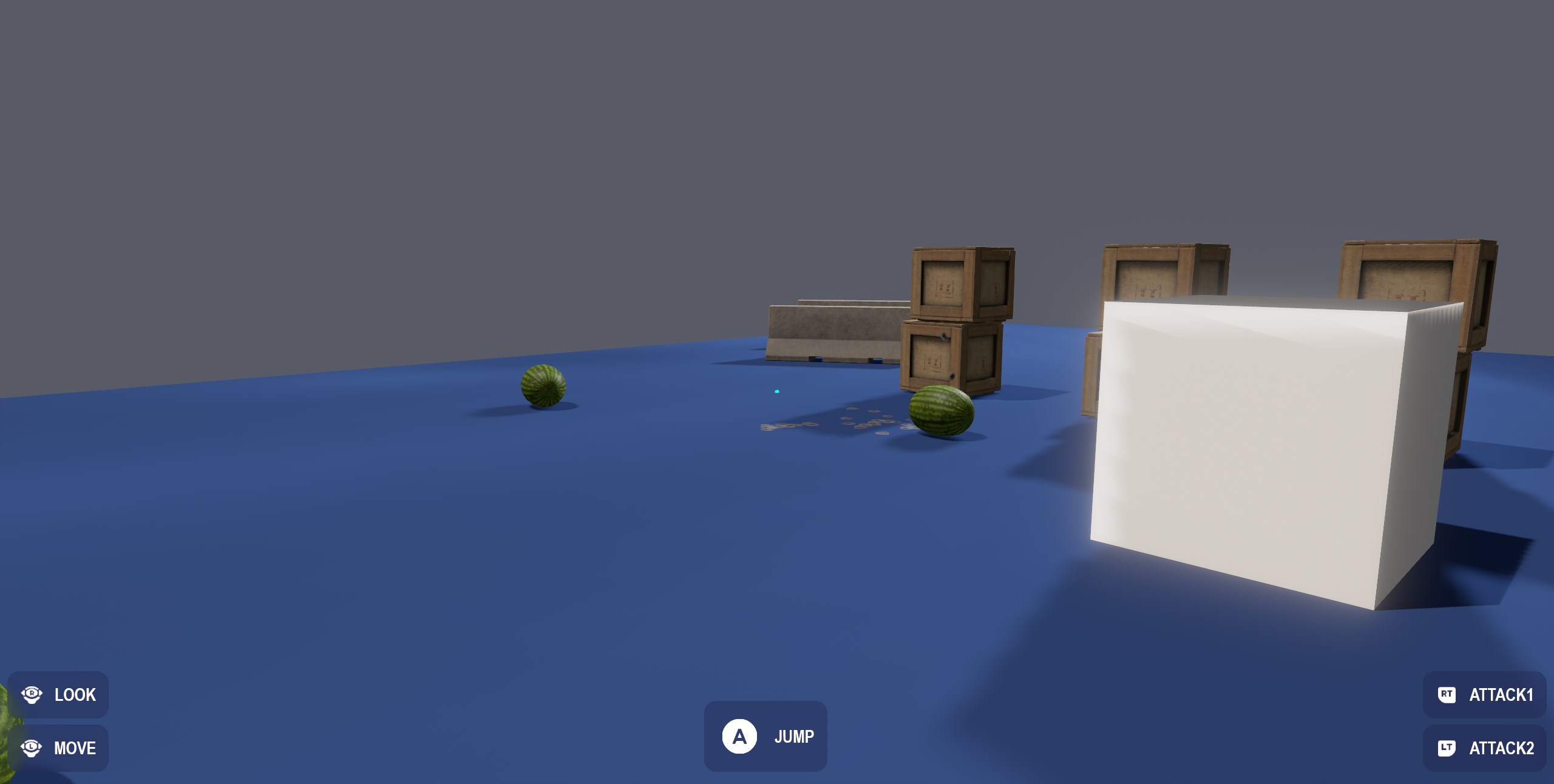
Input glyphs are an easy way to show users which buttons to press for actions, they automatically adjust for whatever device you're using and return appropriate textures.
Texture JumpButton = Input.GetGlyph( "jump" );
:::info Glyphs can change from users rebinding keys, or switching input devices - so it's worth it just grabbing them every frame.
:::
You can also choose between the default and outlined versions of glyphs, like so:
Texture JumpButton = Input.GetGlyph( "jump", InputGlyphSize.Small, true );
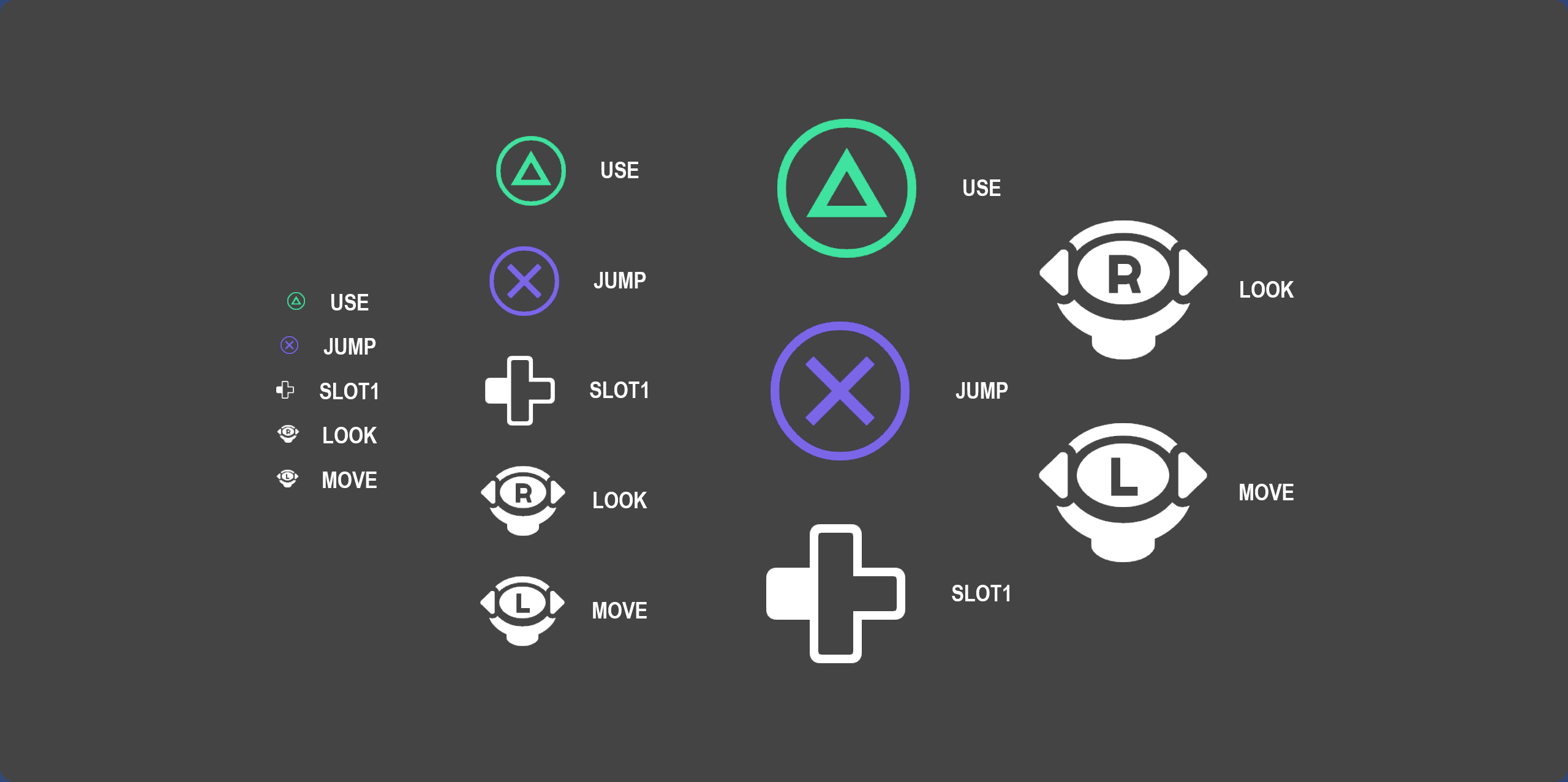
To use these quickly and easily in razor, you can use the resulting texture directly in an <Image> panel:
<Image Texture="@Input.GetGlyph( "jump", InputGlyphSize.Medium, true )" />
Examples