


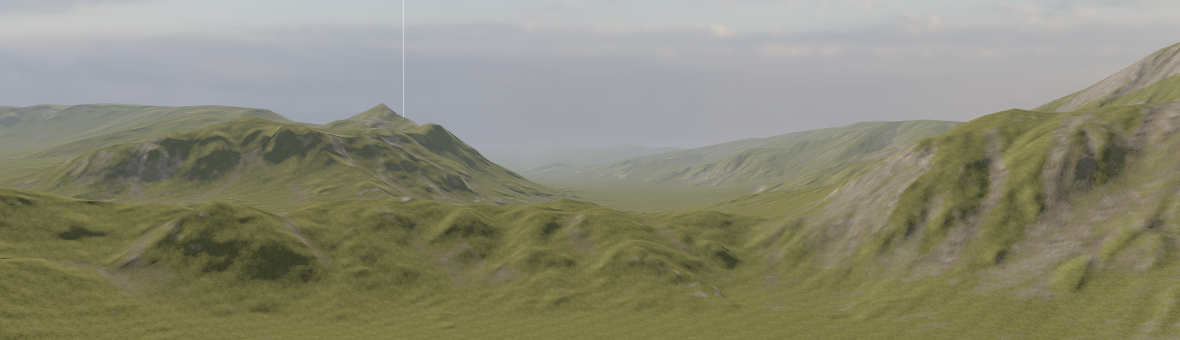
The Terrain System allows you to create expansive outdoor environments quickly and easily in your scenes.
The pages in this section explain how to get started and all the various built-in options for Terrain and how to use them.
The Terrain System is a work in progress, here's what is supported and what's not right now.
| Feature Name | Supported | Not Supported | Notes |
|---|---|---|---|
| Real-time editing | ✅ | Basic sculpting tools & 2 layer texture painting | |
| Import Heightmaps | ✅ | Import from World Machine, GeoGen, Gaia. Anything that can export a 16 bit heightmap. | |
| Level of Detail | ✅ | Very large landscapes possible | |
| Multi-Layer PBR Materials | ✅ | Support up to 32 materials.<br>Can import multiple splatmaps. | |
| Material Height Blending | ✅ | ||
| Material Anti-Tiling | ✅ | ||
| Physics Materials | ✅ | Physics properties are applied per material used: footstep sounds, bounciness, etc. | |
| Foliage | ✅ | Grass & scatter meshes | |
| Trees | ✅ | ||
| Holes | ✅ | ||
| Nav Mesh | ✅ | ||
| Displacement | ✅ | Vertex displacement |